
Staff Management
Manage users with role-based access control.
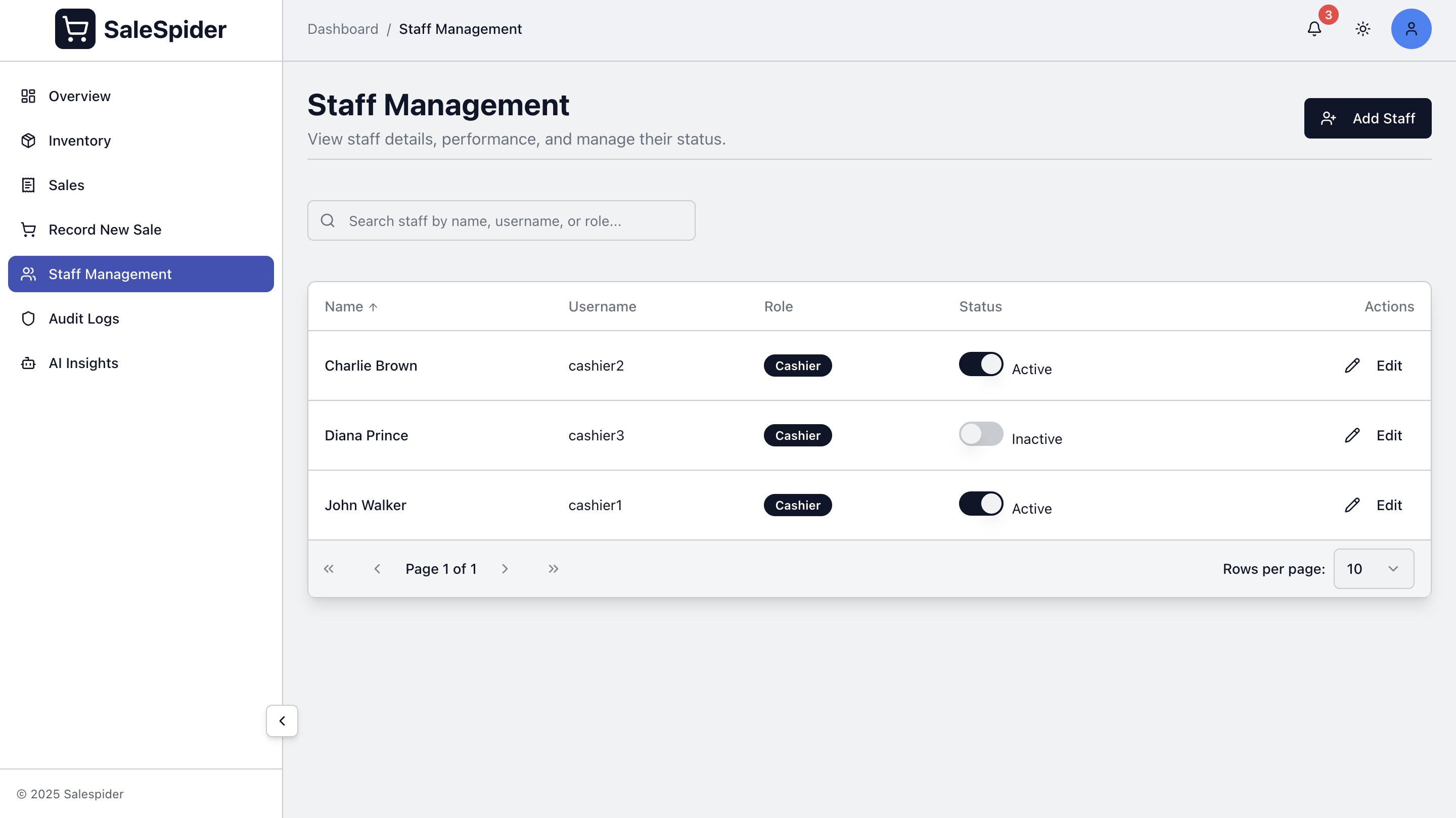
Overview
- User account management
- Role-based permissions
- Activity logging
User Roles
Role Hierarchy
Admin
- Full system access
- User management
- System configuration
- Backup management
- All reports and analytics
Manager
- Store operations
- Staff oversight
- Inventory management
- Sales reports
- Product management
Cashier
- Sales recording
- Product lookup
- Basic inventory view
- Personal sales history
- Limited reports
Permission Matrix
| Feature | Admin | Manager | Cashier |
|---|---|---|---|
| Record Sales | ✓ | ✓ | ✓ |
| View Products | ✓ | ✓ | ✓ |
| Add/Edit Products | ✓ | ✓ | ✗ |
| View All Sales | ✓ | ✓ | Own Only |
| Manage Users | ✓ | ✗ | ✗ |
| System Settings | ✓ | ✗ | ✗ |
| Backups | ✓ | ✗ | ✗ |
| Reports | ✓ | ✓ | Limited |
User Management
Adding Users
Required information:
- Full name
- Email address
- Username
- Password
- Role (Manager or Cashier)
User Status
- Active - Can log in
- Inactive - Account disabled
- Suspended: Access revoked
- Deleted: Permanently removed
Authentication
Login System
Secure authentication:
- Username/email login
- Password authentication
- Session management
Password Management
- Minimum 8 characters required
- Admins can reset user passwords
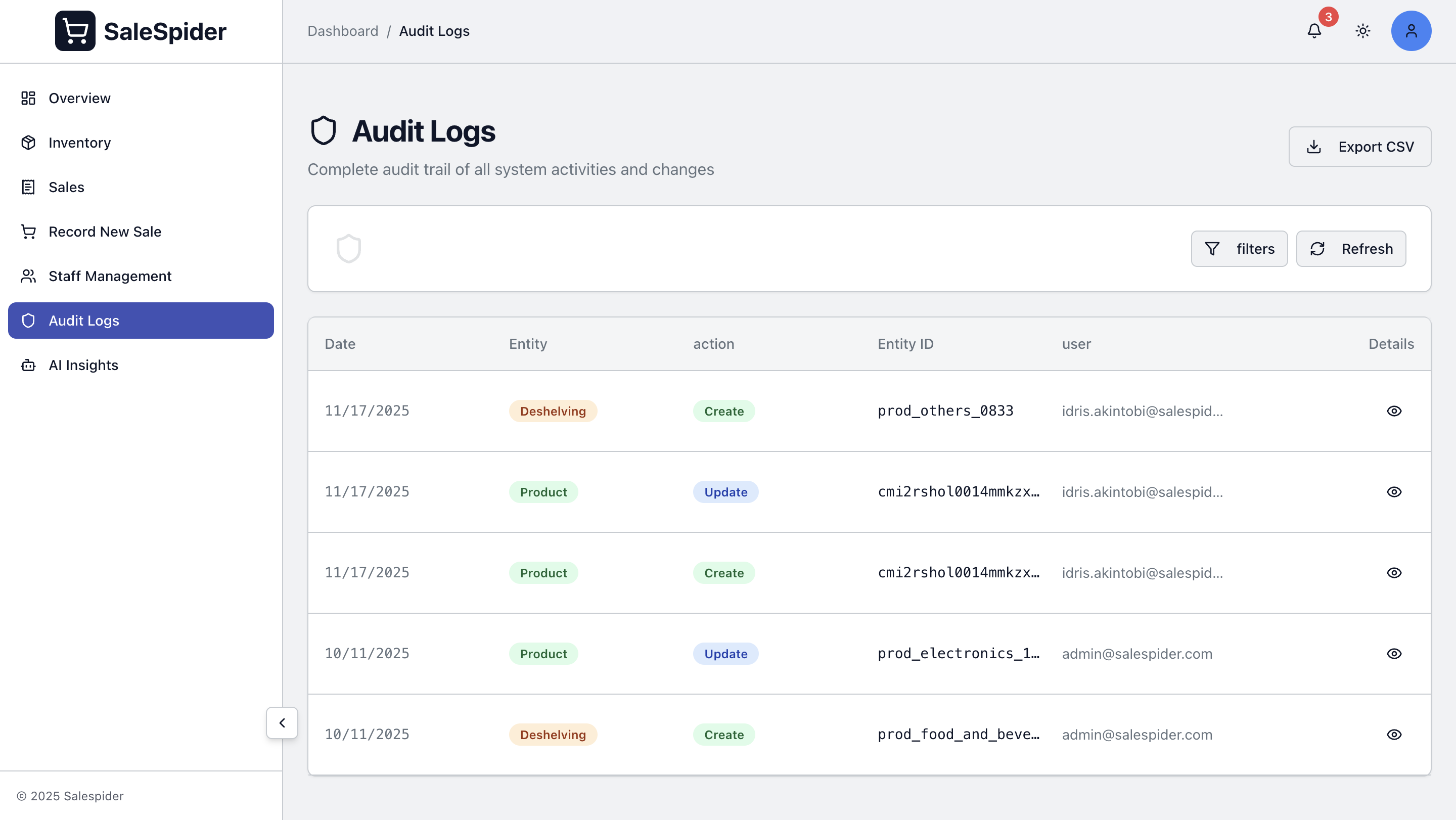
Activity Logging
All user actions are logged in the audit trail:
- Login/logout times
- Sales recorded
- Products added/modified
- Inventory changes
- Settings changed
View audit logs from the admin dashboard.
Staff Analytics
View on dashboard:
- Total staff count
- Active cashiers
- Sales by cashier
Related Features
- Dashboard - View staff metrics
- Sales - Sales are automatically attributed to cashiers
- Audit Logs - View all user activity
- Sales Recording - Track cashier sales
- AI Features - Performance insights
Technical Details
Staff management uses:
- Role-based access control (RBAC)
- Secure password hashing (Argon2)
- JWT authentication
- Activity logging